Verify FxPro

The verification process is straightforward but sensitive to document quality and profile accuracy. Prepare clear, unedited scans or photos, match the name and address on your profile to the submitted documents, and use the platform’s secure upload tools. Minor issues usually cause short delays; persistent problems often trace to expired IDs, mismatched details, or unsupported file formats — which you can resolve quickly by following the platform’s file guidelines or contacting support for a status update.
How to Verify Account on FxPro [Web]
First, log in to the FxPro Dashboard, select the icon at the top right corner of the screen, and then choose "Upload Document" to be directed to the verification page.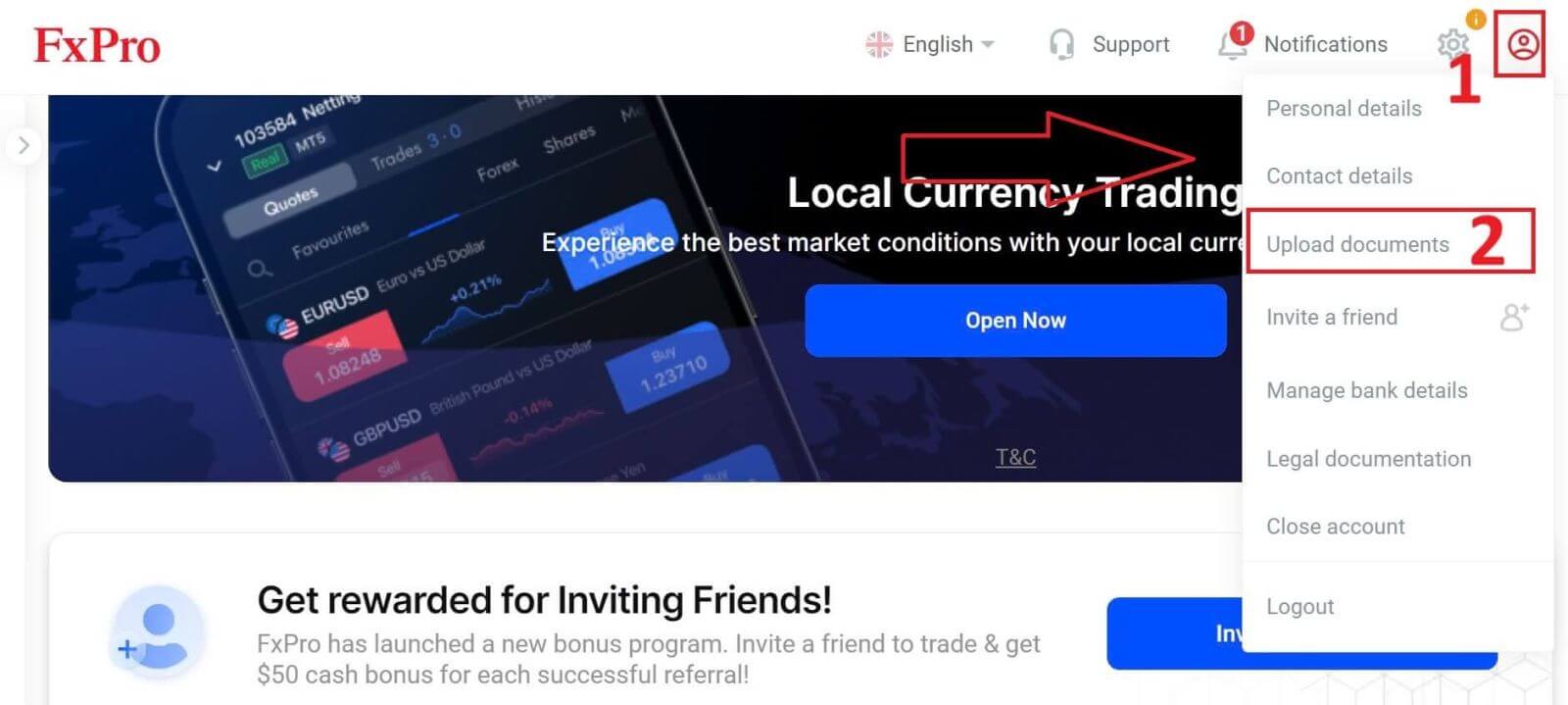
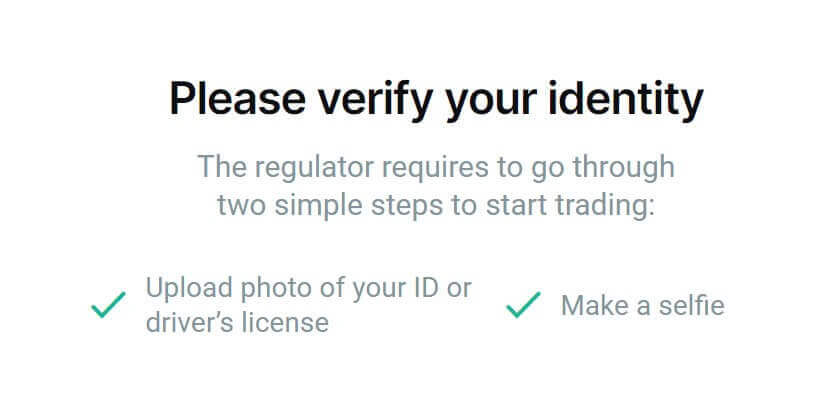
The verification process consists of two steps as follows:
-
Upload the photo of your ID or driver’s license.
-
Make a selfie.
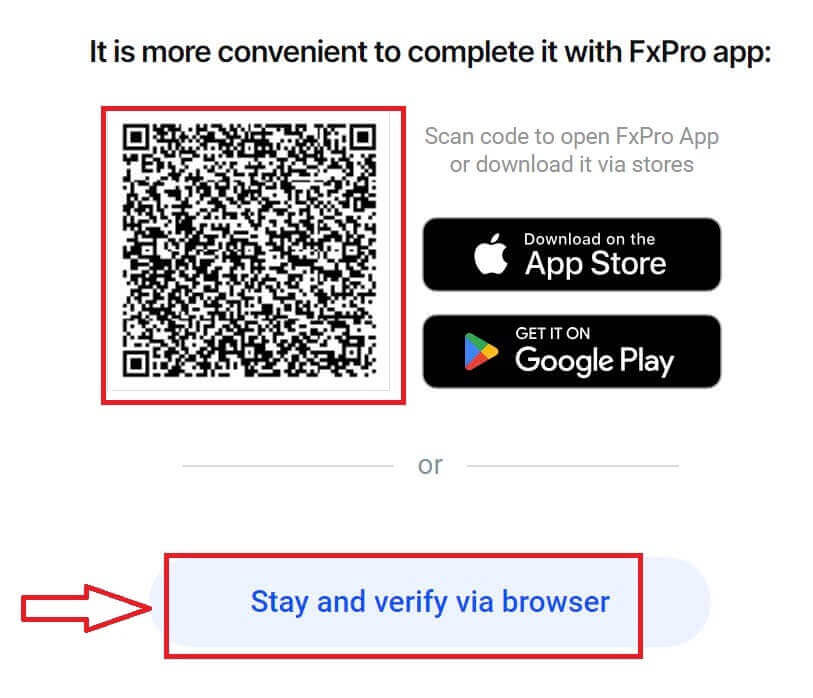
We support two methods for you to complete the verification process (but we recommend using the mobile app due to its convenience and optimization for verification):
- If you choose to upload documents using a mobile device, open the camera and scan the QR code displayed on the screen to be directed to the verification page, where you can complete the entire process on your mobile device.
-
Alternatively, you can complete the process on your web browser by selecting the "Stay and verify via browser" button.
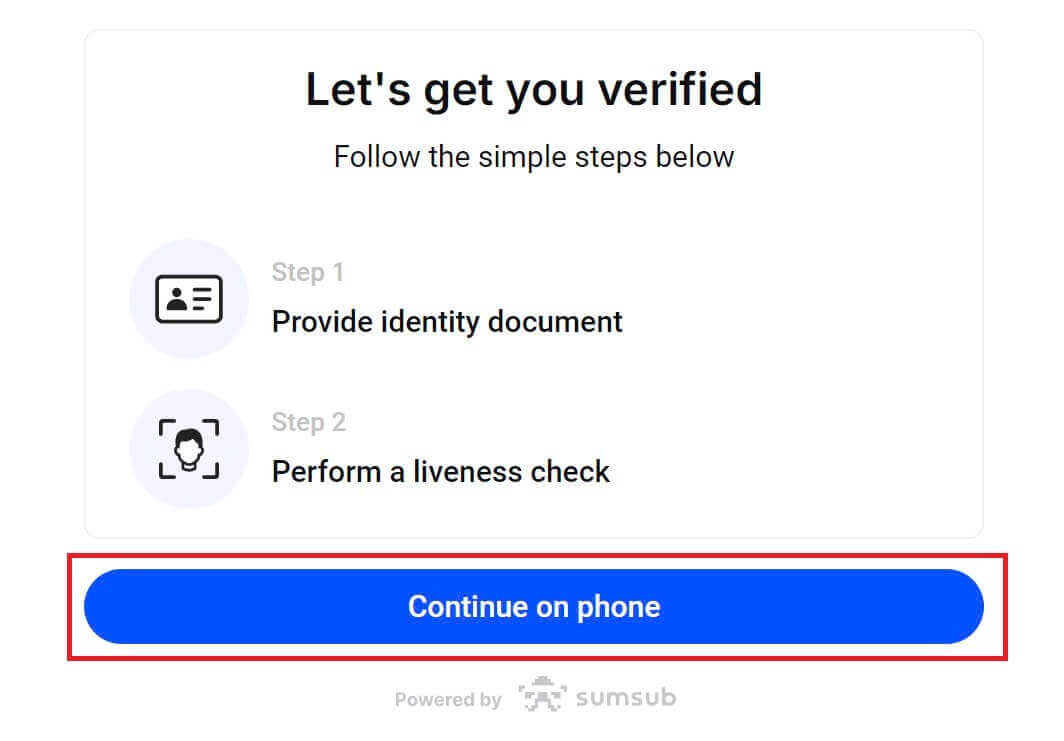
Select the "Continue on phone" button on the next page to proceed with the verification process.
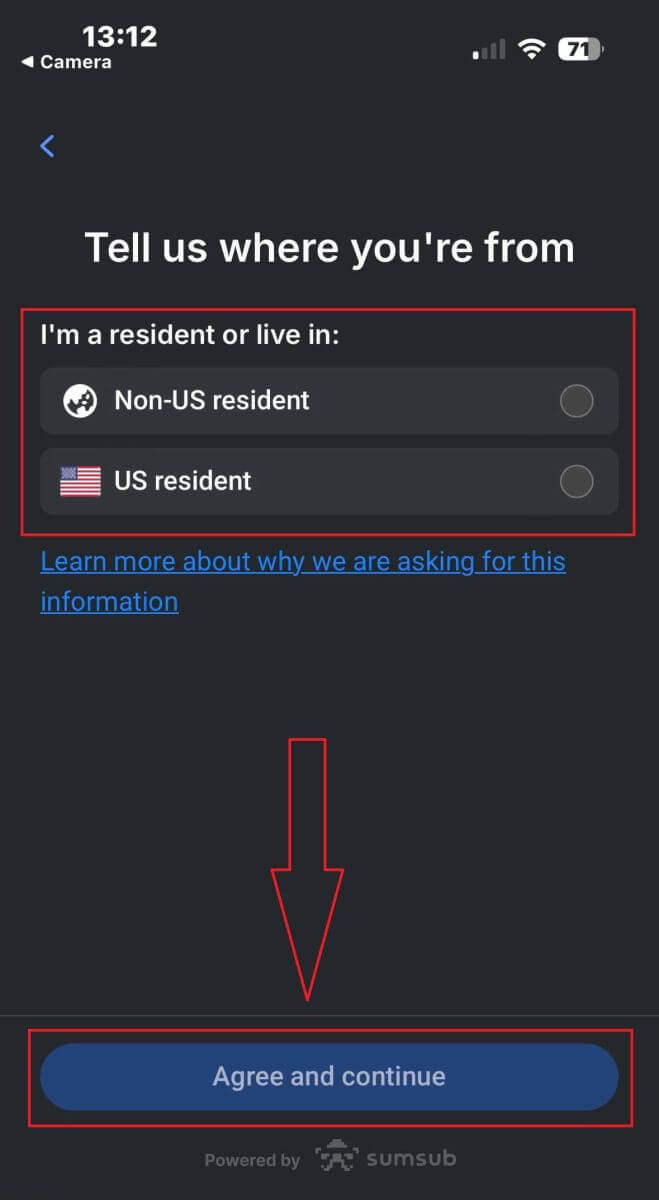
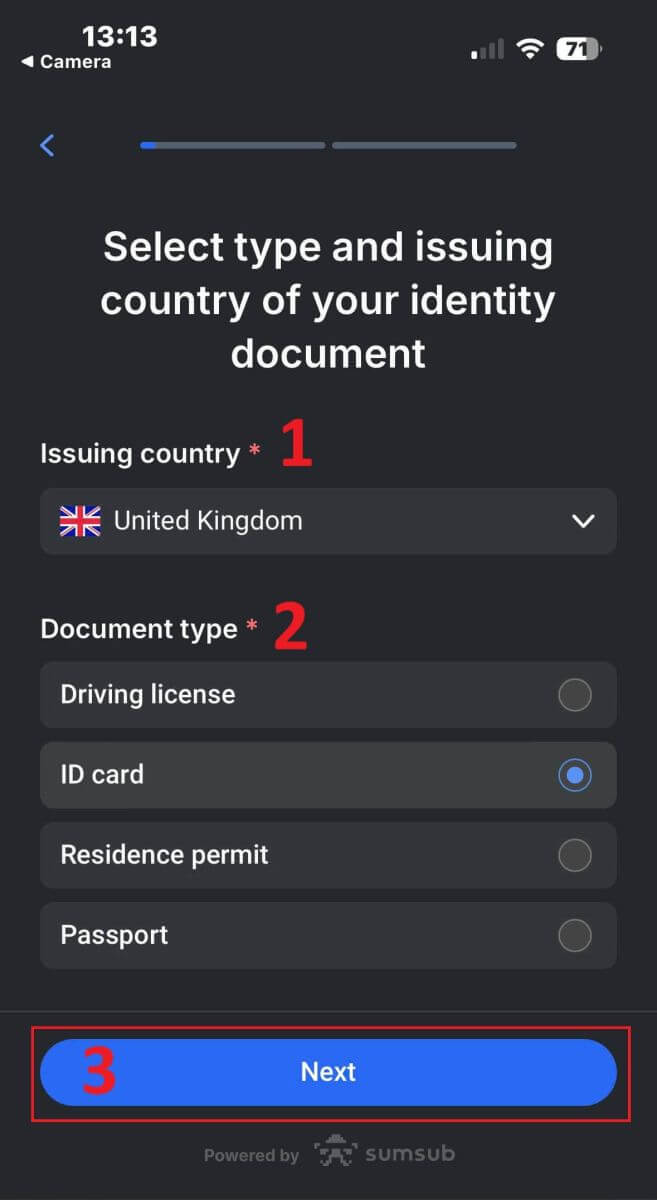
First, let FxPro know whether you are a US resident, as there are special policies for the verification process for US residents. After making your selection, tap "Agree and continue" to move to the next page.
On this page, you will select:
-
The Issuing country.
-
The document type (Driving license/ ID Card/ Residence permit/ Passport).
Once you finish, tap "Next" to proceed.
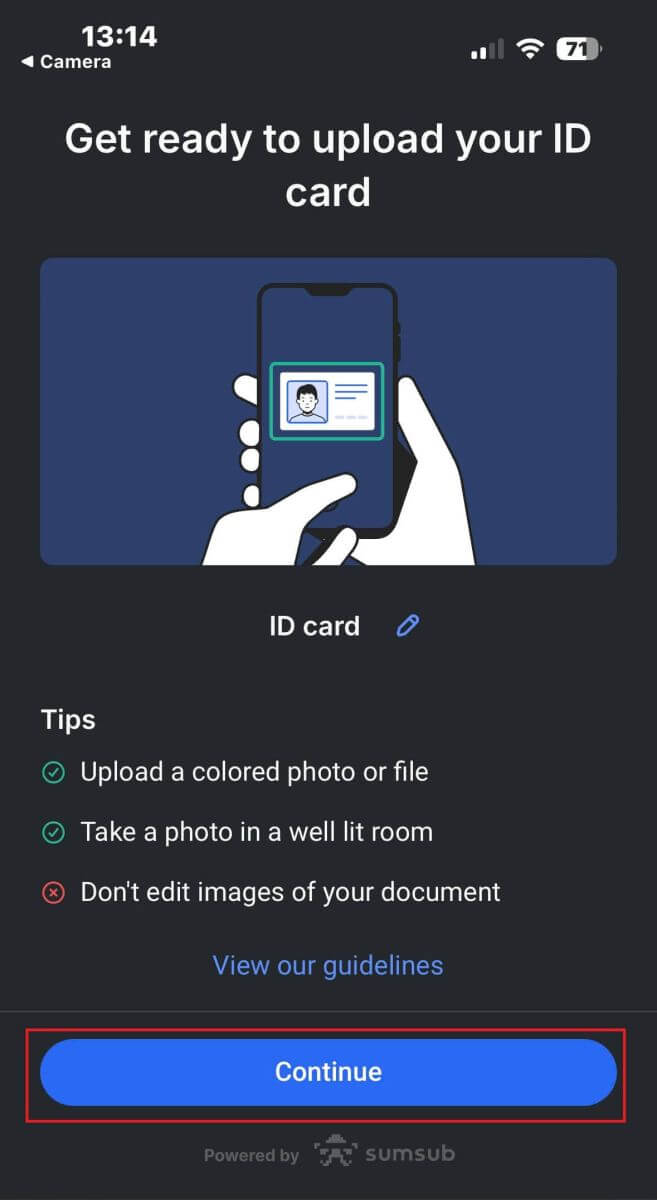
Now you’ll reach the step where you upload documents using images. You will have two options:
-
Upload a colored photo or file.
-
Take a photo in a well-lit room.
-
Please don’t edit images of your documents.
Please take note carefully, then tap "Continue" to begin uploading.
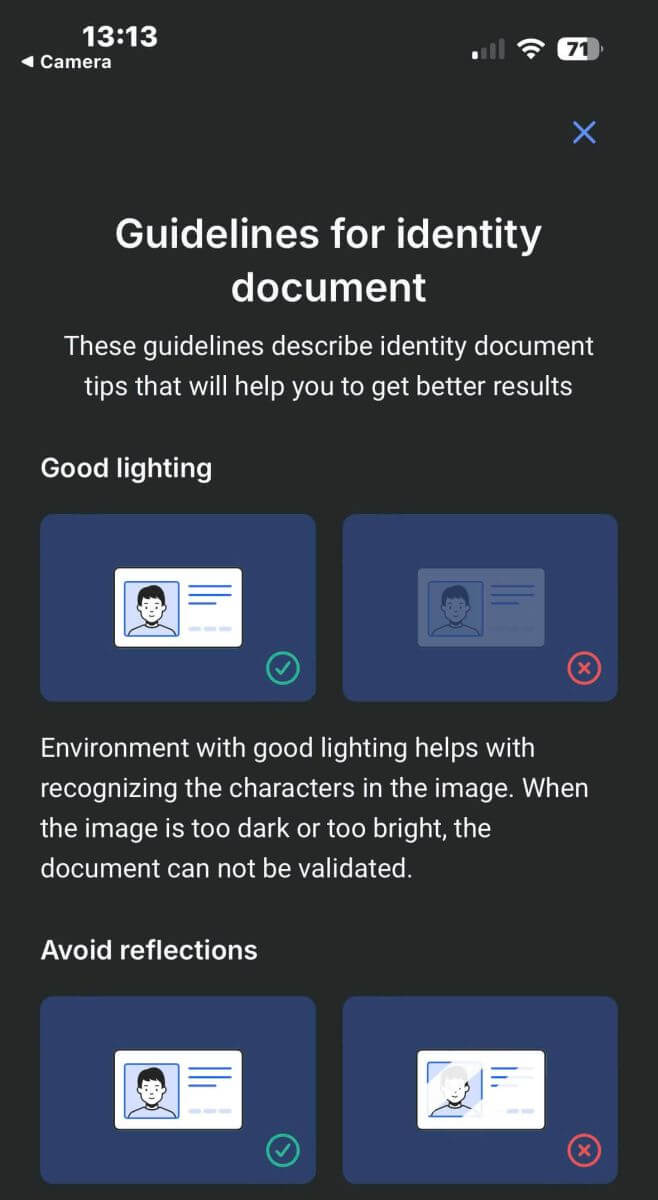
Below are some tips for you to get better results:
Good Lightning
The environment with good lighting helps with recognizing the characters in the image. When the image is too dark or too bright, the document can be not validated.
Avoid Reflections
Don’t use the flashlight from your device. Avoid reflections from lamps or environmental lights. Reflections on the image interfere with processing and extracting data.
Focus and Sharpness
Make sure the images are clear and there are no blurred areas.
Angle
The document should not be titled more than 10 degrees in the horizontal or vertical direction.
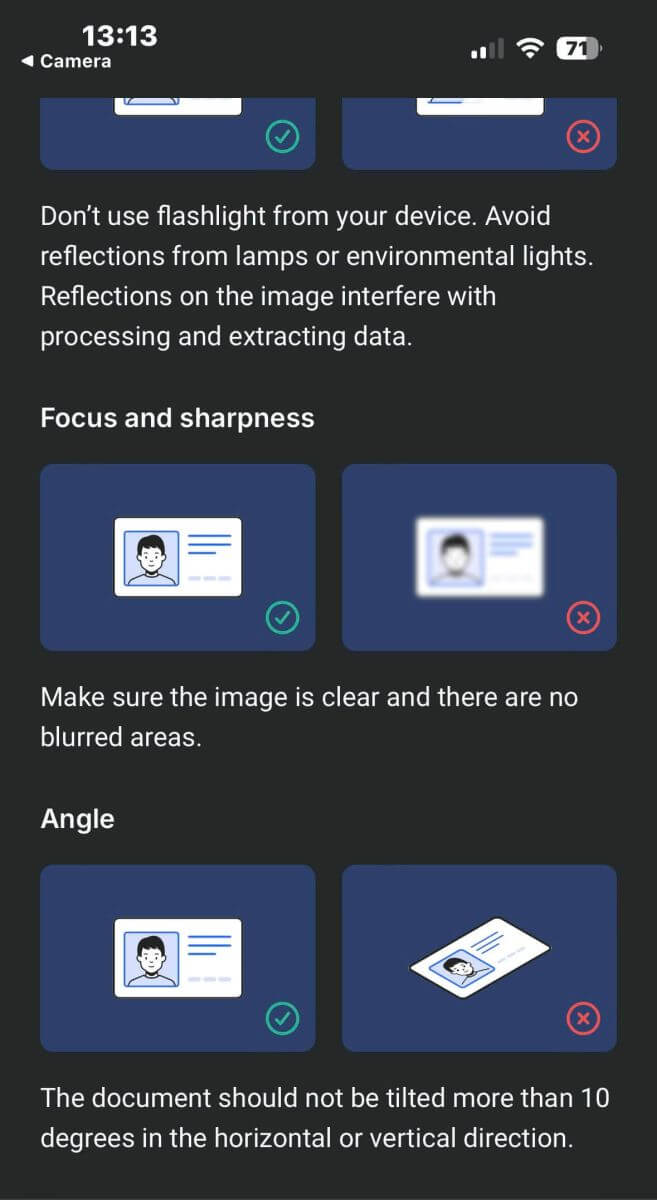
Additionally, please remember to allow the device’s camera access (this is a mandatory requirement).
Then tap "Continue" to begin uploading
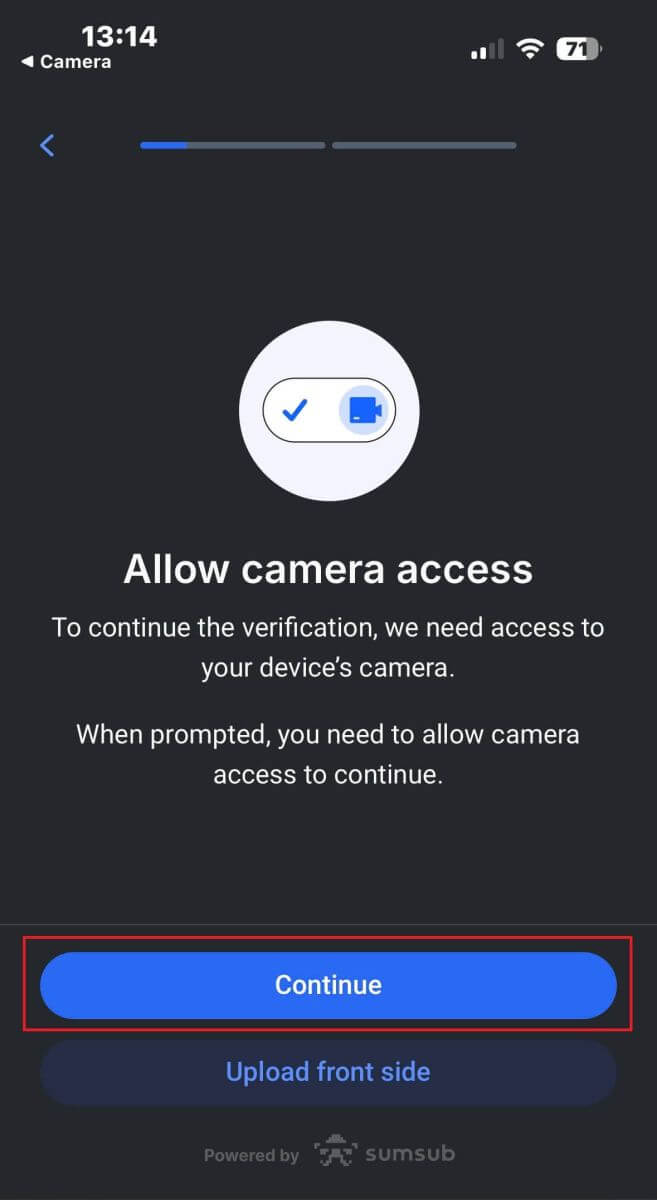
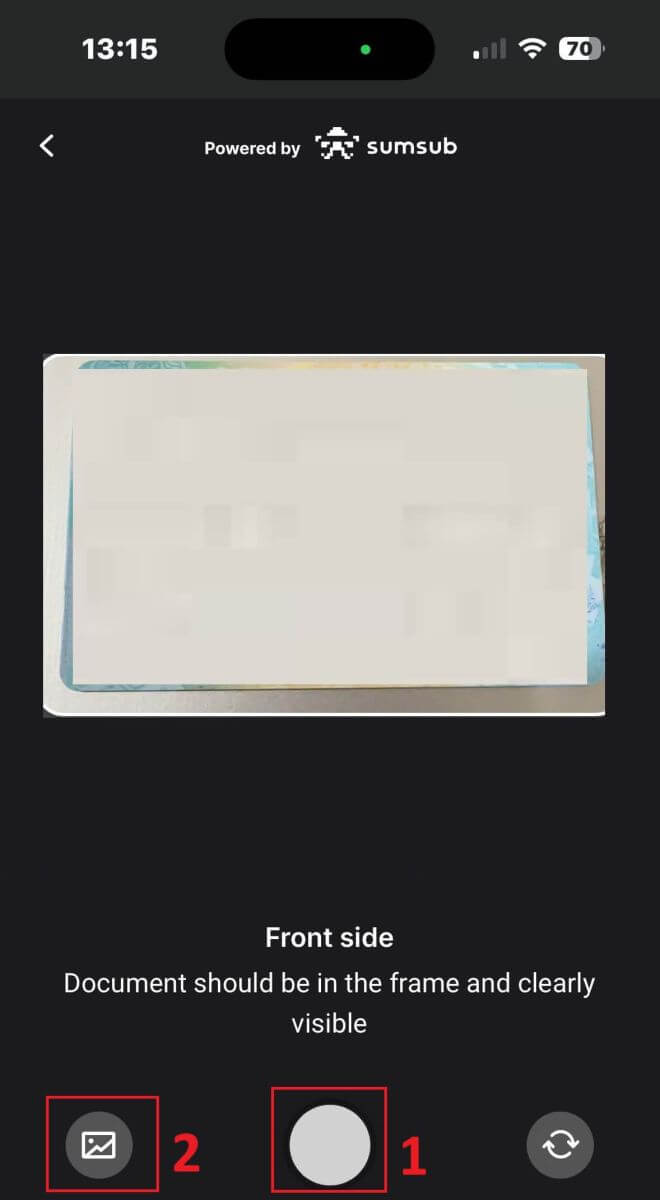
You will be offered two ways to upload your document images:
-
Align the document within the frame on the screen, then tap the white circular button at the bottom (labeled as number 1 in the image) to capture and save the image.
-
Select the button with the icon shown in the image (labeled as number 2) to upload a photo from your device’s existing photo library.
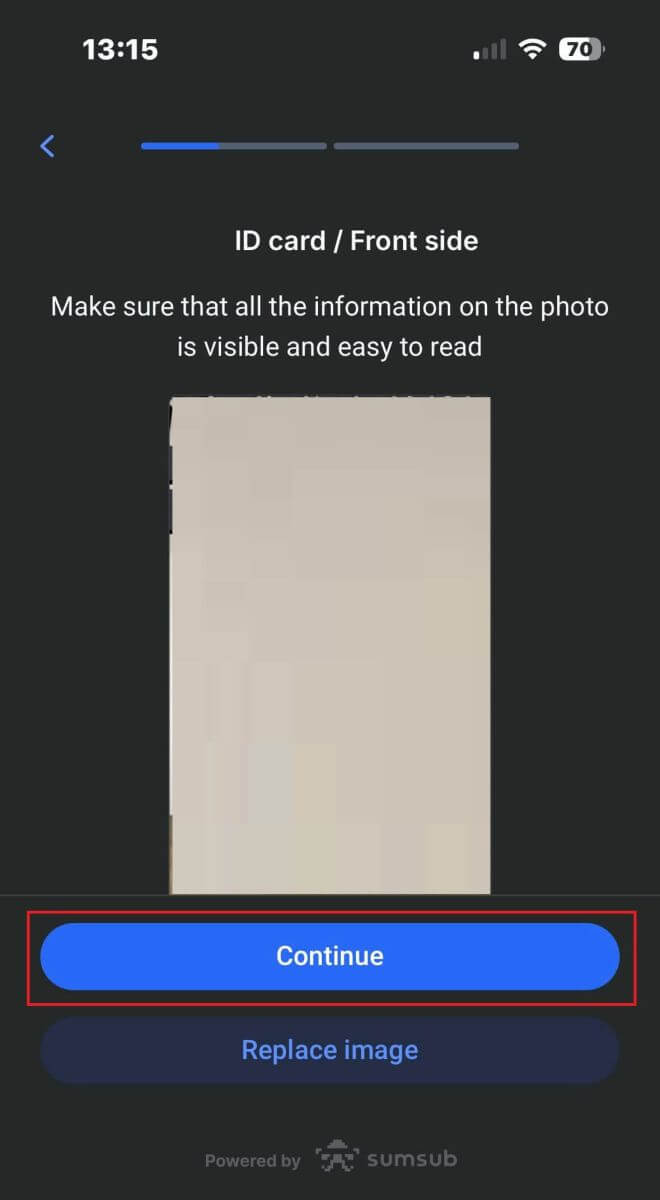
Then, verify that the image is clearly visible and readable. Then, proceed with the same process for the remaining sides of the document (the number of sides required will depend on the type of verification document you initially selected).
If it meets the standards, select "Continue" to proceed to the next step.
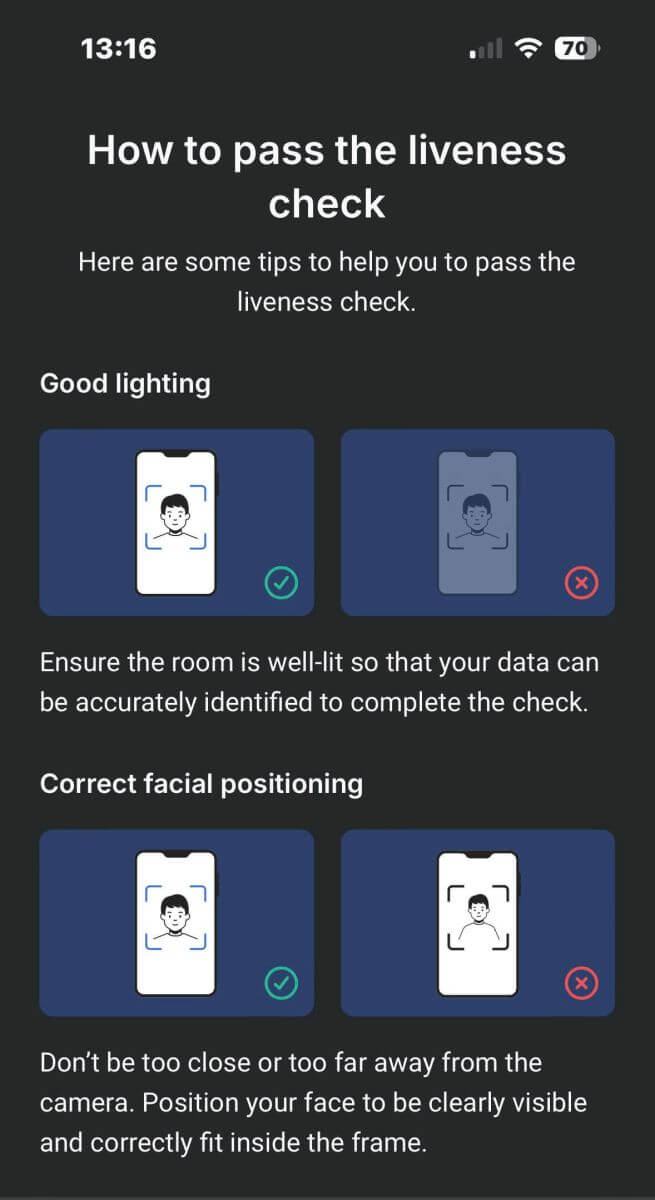
The next step will be the Liveness Check. Below are some tips to help you complete this step smoothly:
Good Lighting
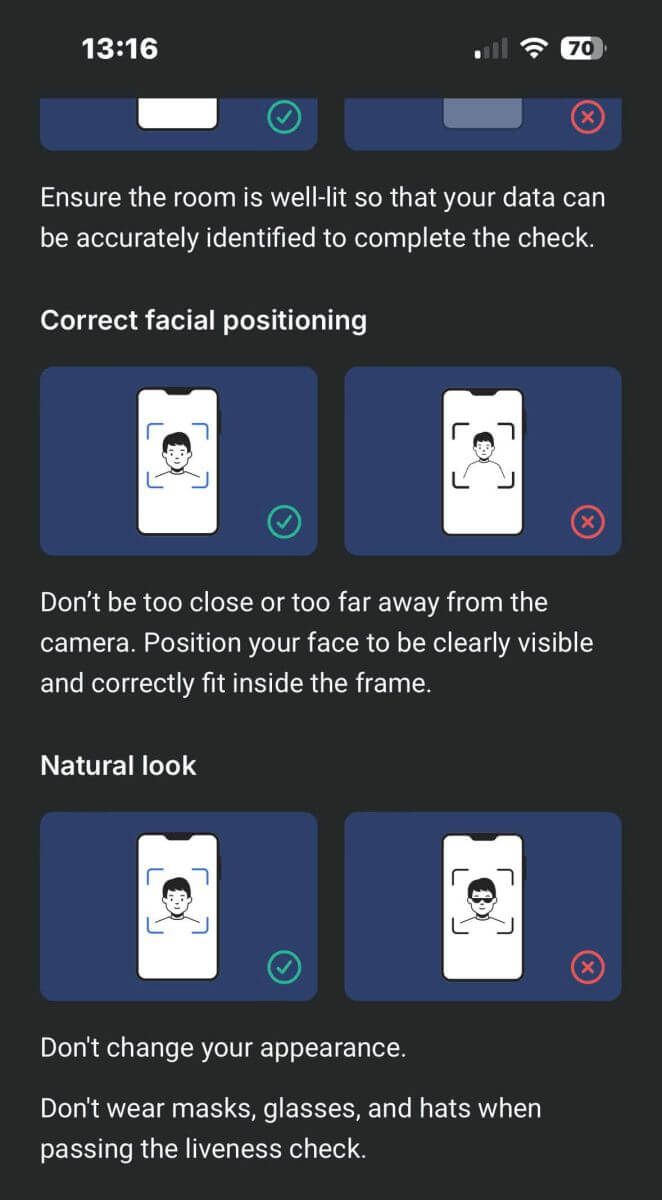
Ensure the room is well-lit so that your data can be accurately identified to complete the check.
Correct facial positioning
Please don’t be too close or too far away from the camera. Position your face to be clearly visible and correctly fit inside the frame.
Natural Look
Don’t change your appearance. Don’t wear masks, glasses, and hats when passing the liveness check.
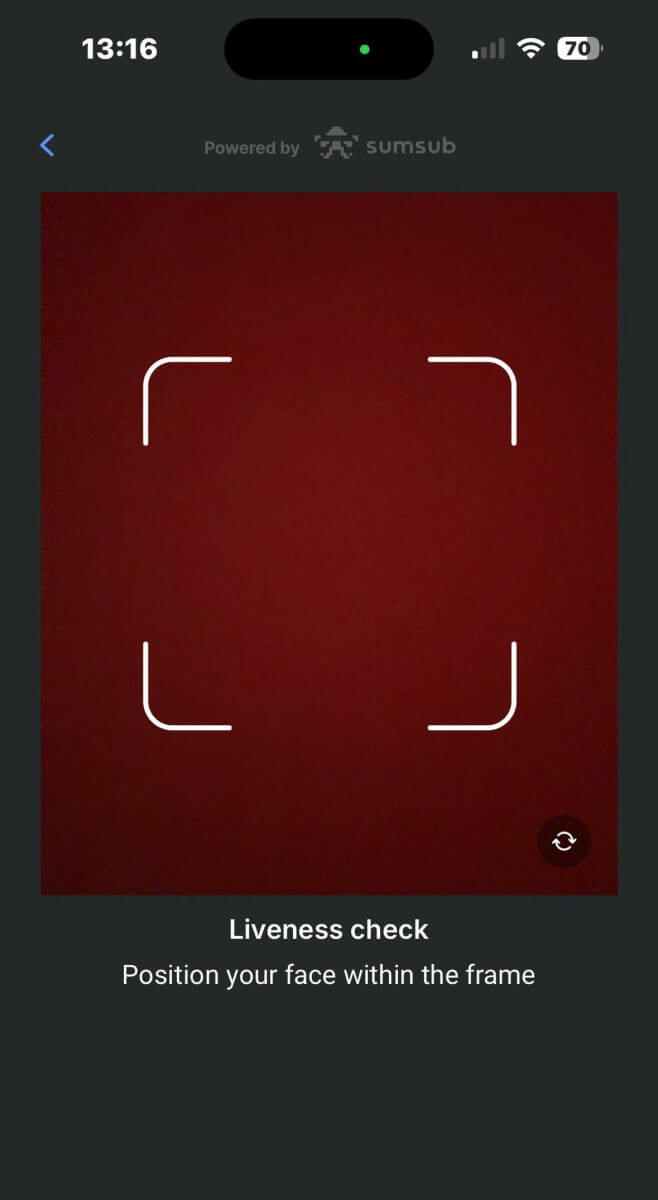
Please position your face within the frame then stay still for 2 - 5 seconds for the system to identify you. If you succeed, you will be automatically directed to the next screen.
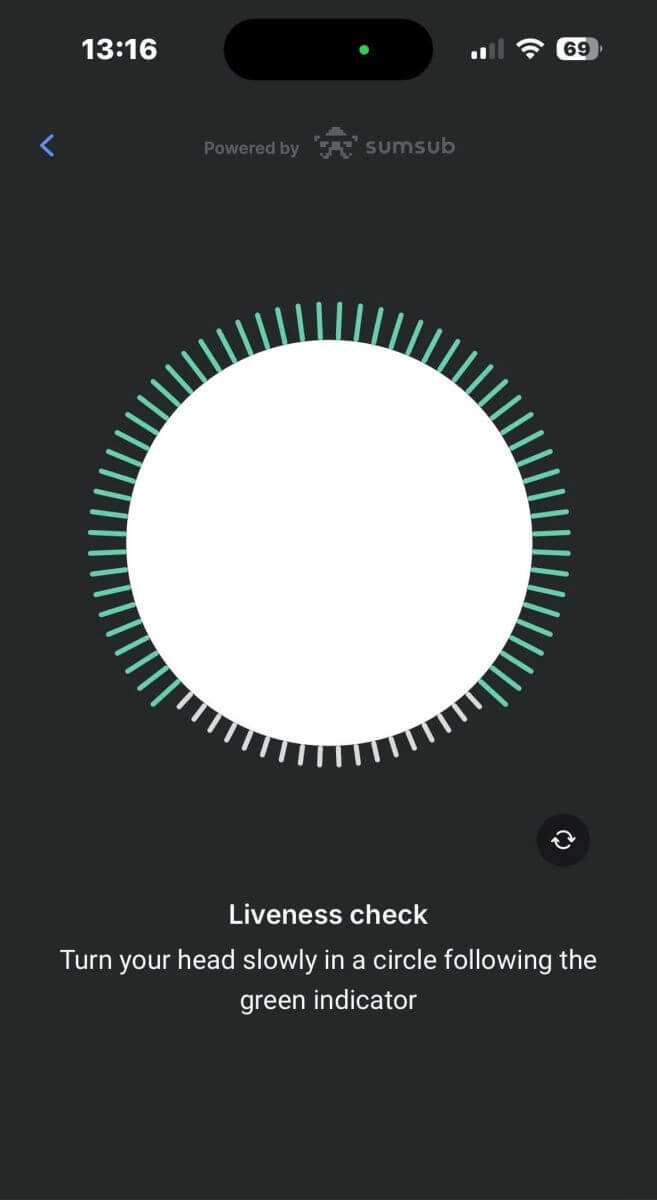
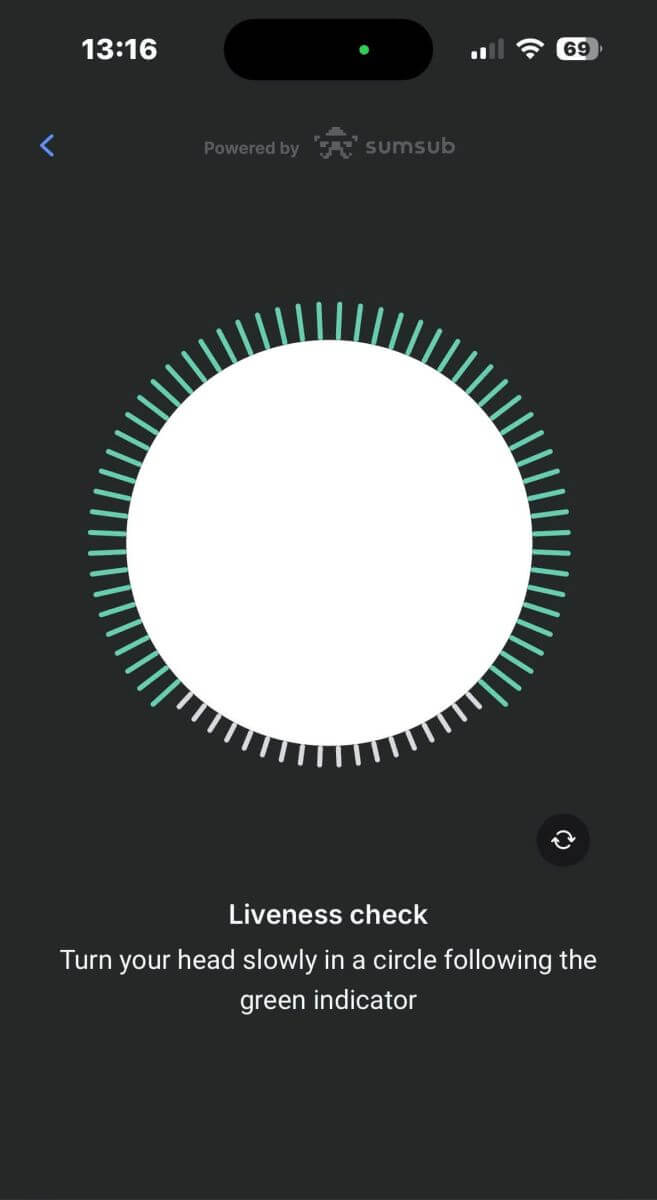
On this page, keep your face within the frame and turn your head slowly in a circle following the green indicator.
Congratulations on successfully passing the Liveness Check.
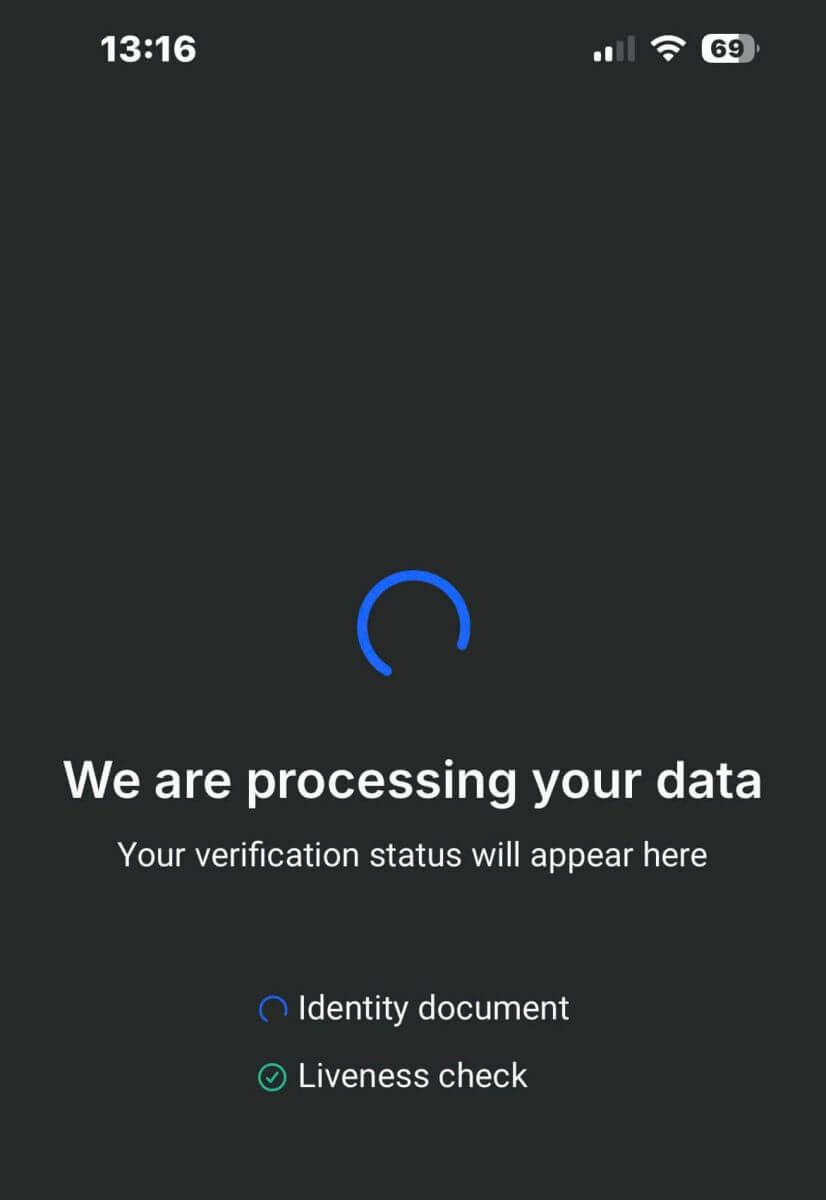
Now please wait from 5 to 10 seconds for the system to process your data and display the results on the screen.
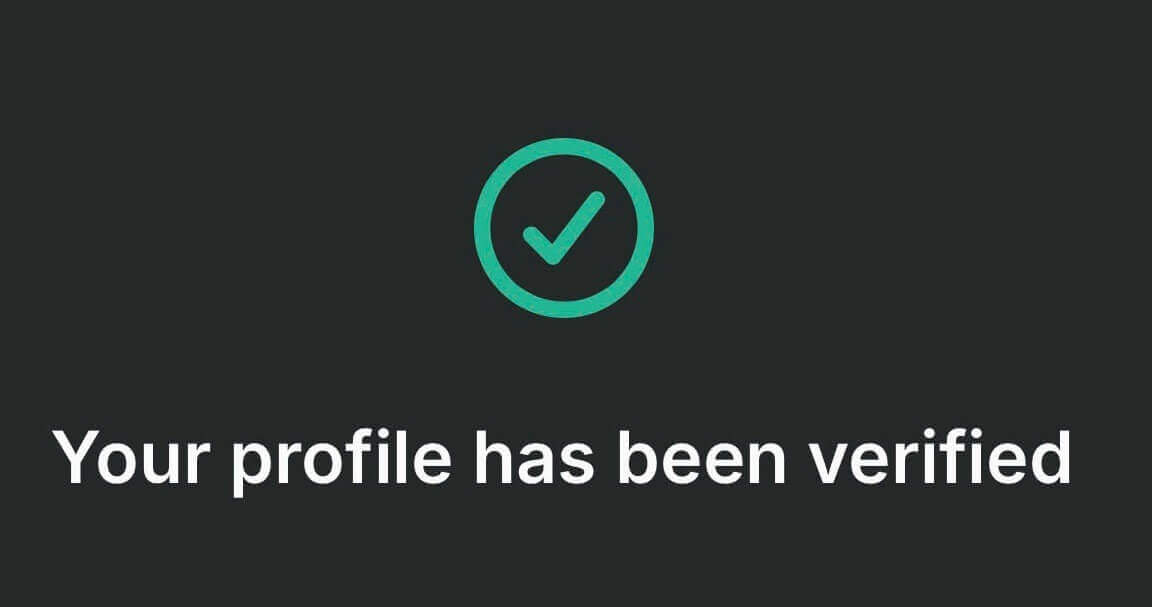
Congratulations on successfully verifying your profile with FxPro. It was simple and quick.
How to Verify Account on FxPro [App]
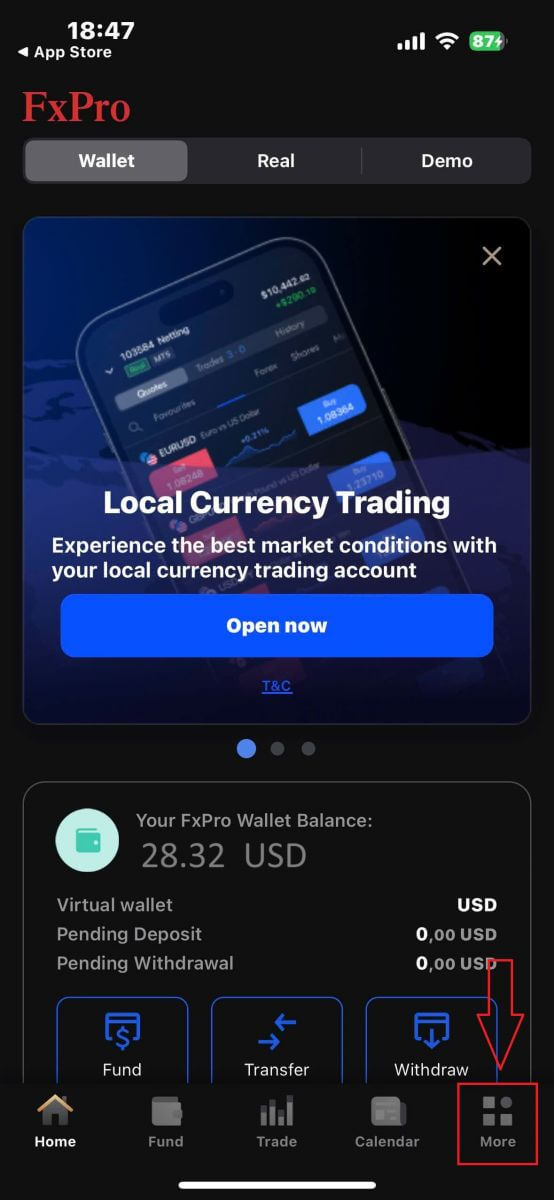
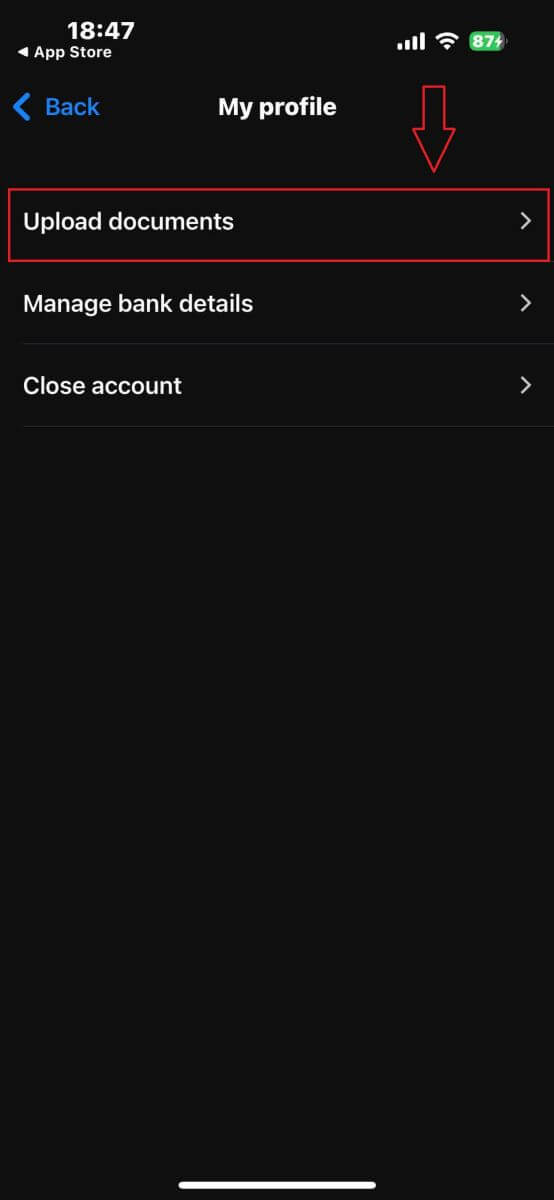
First, open the FxPro Mobile App on your mobile device, then select "More" at the bottom right corner of the screen.
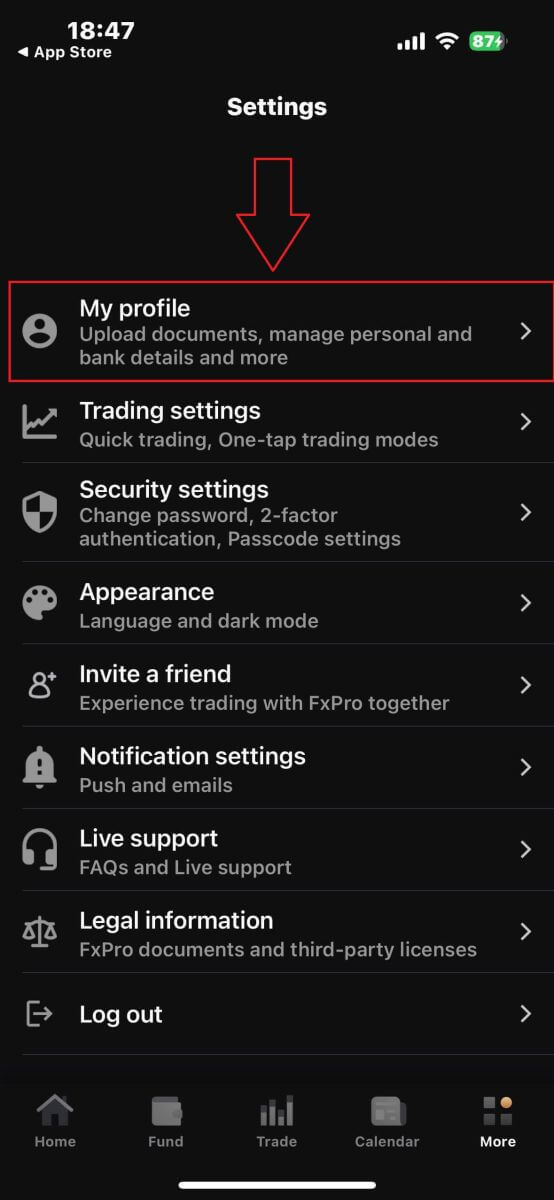
There, continue by selecting "My profile".
Then, please choose the "Upload documents" section to begin the verification process.
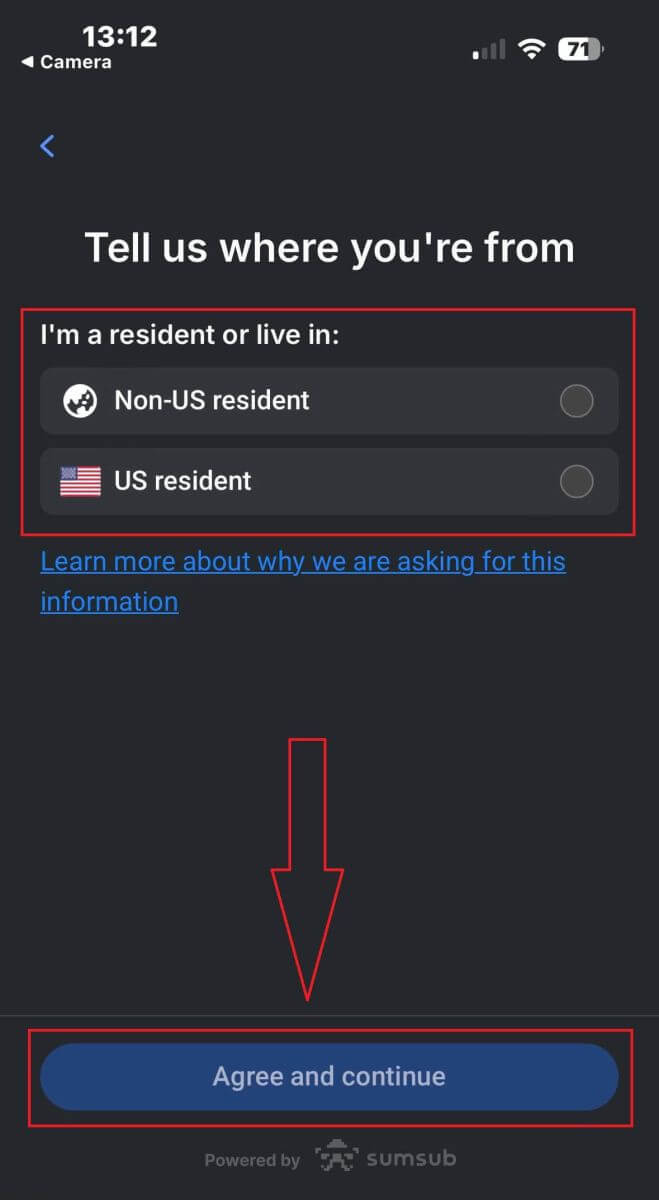
First, inform FxPro whether you are a US resident, as there are specific verification policies for US residents.
Once you make your selection, tap "Agree and continue" to proceed to the next page.
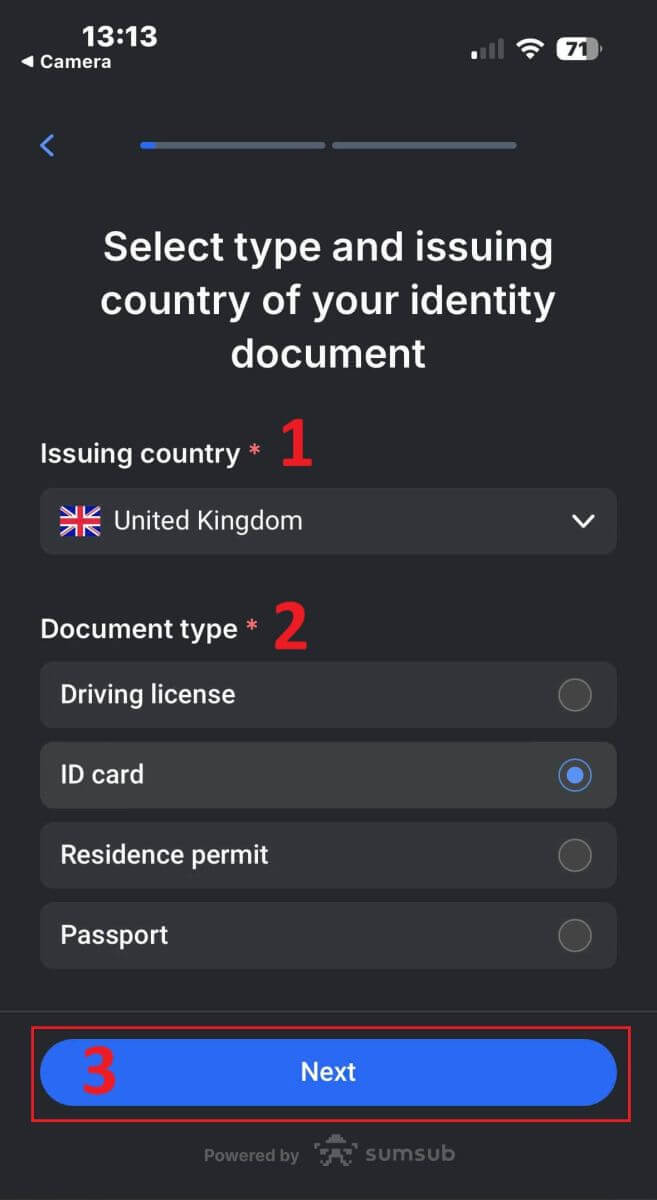
On this page, you will need to select:
-
The issuing country.
-
The document type (Driving license, ID Card, Residence permit, or Passport).
After completing these selections, tap "Next" to continue.
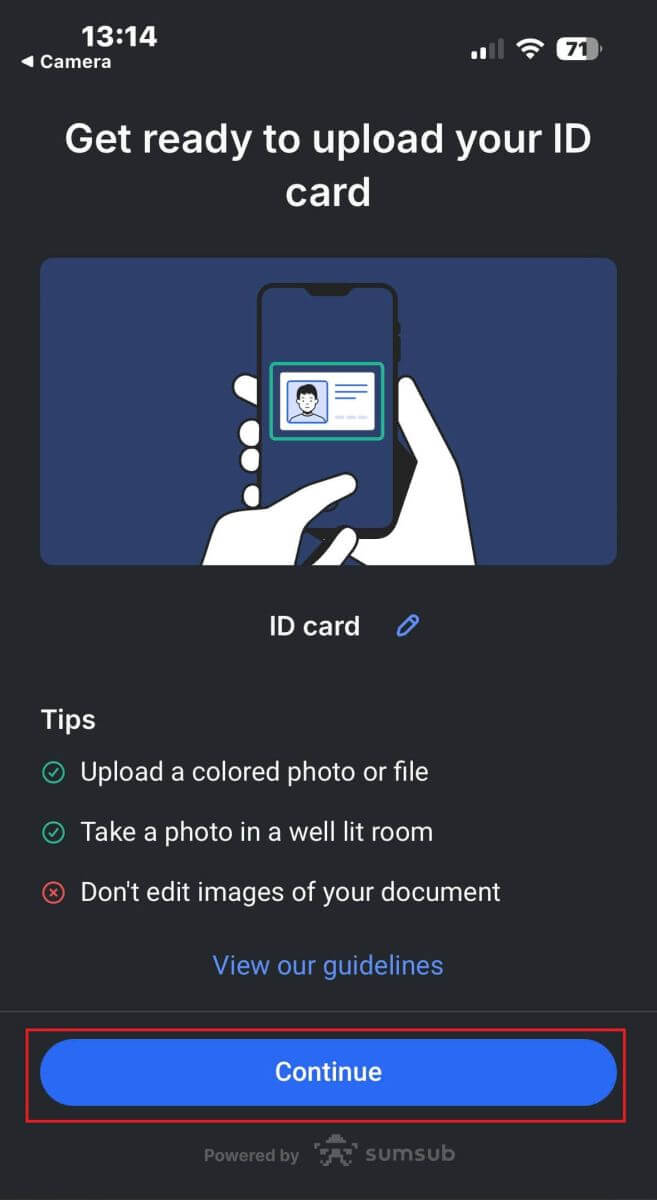
At this step, you will need to upload documents using images. You have two options:
-
Upload a colored photo or file.
-
Take a photo in a well-lit area.
-
Do not edit the images of your documents.
Review these instructions carefully, then tap "Continue" to start the upload process.
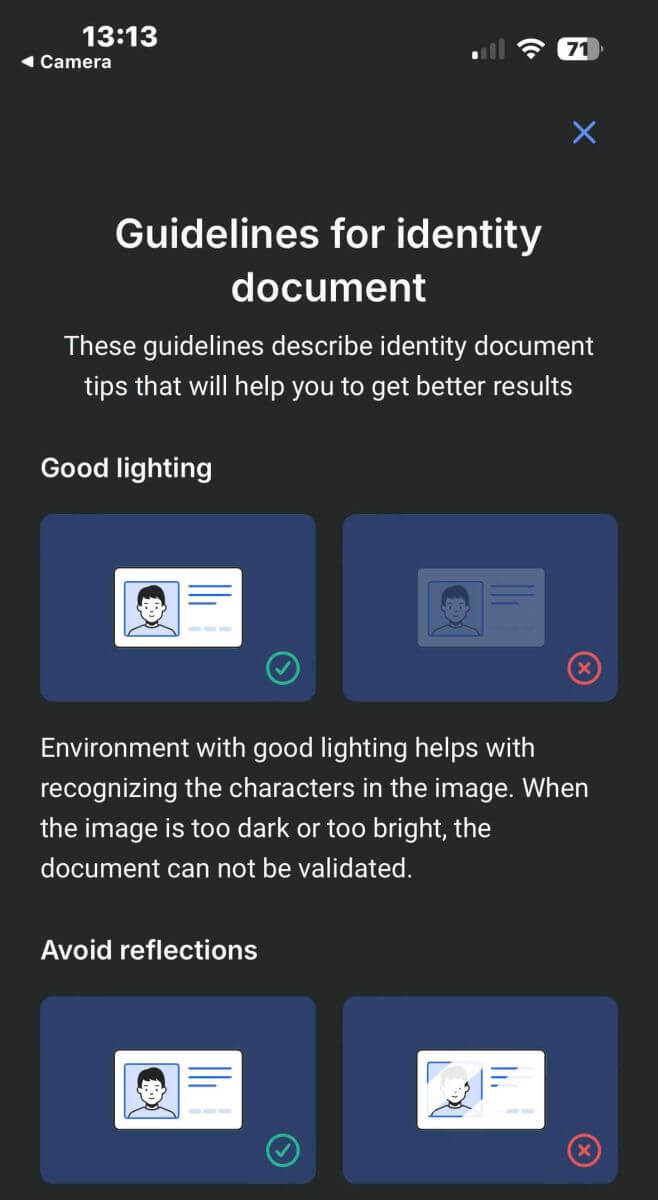
Here are some tips to help you achieve better results:
Good Lightning
The environment with good lighting helps with recognizing the characters in the image. When the image is too dark or too bright, the document can be not validated.
Avoid Reflections
Don’t use the flashlight from your device. Avoid reflections from lamps or environmental lights. Reflections on the image interfere with processing and extracting data.
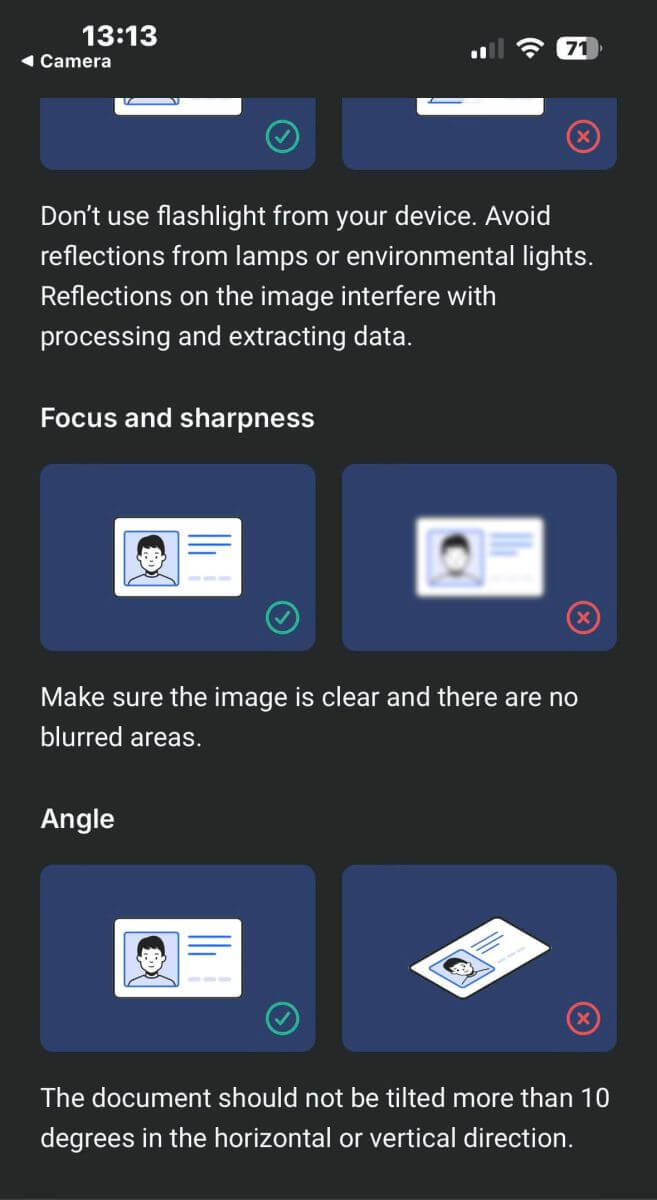
Focus and Sharpness
Make sure the images are clear and there are no blurred areas.
Angle
The document should not be titled more than 10 degrees in the horizontal or vertical direction.
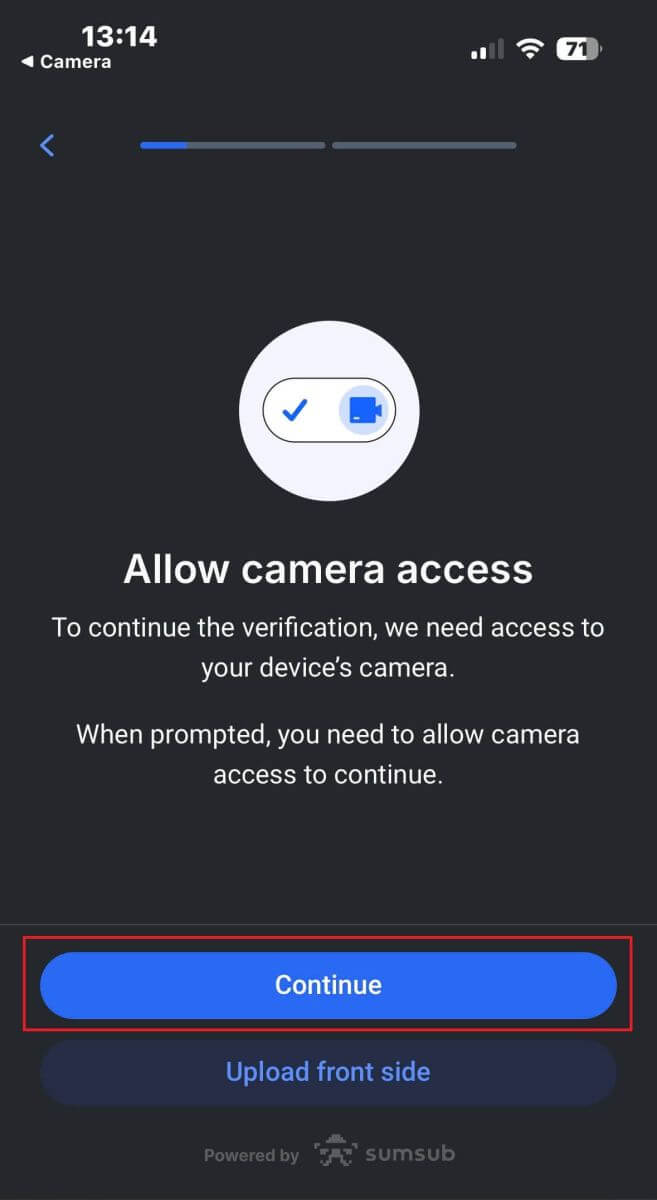
Also, ensure that you allow the device’s camera access, as this is a mandatory requirement.
Afterward, click "Continue" to start the upload process.
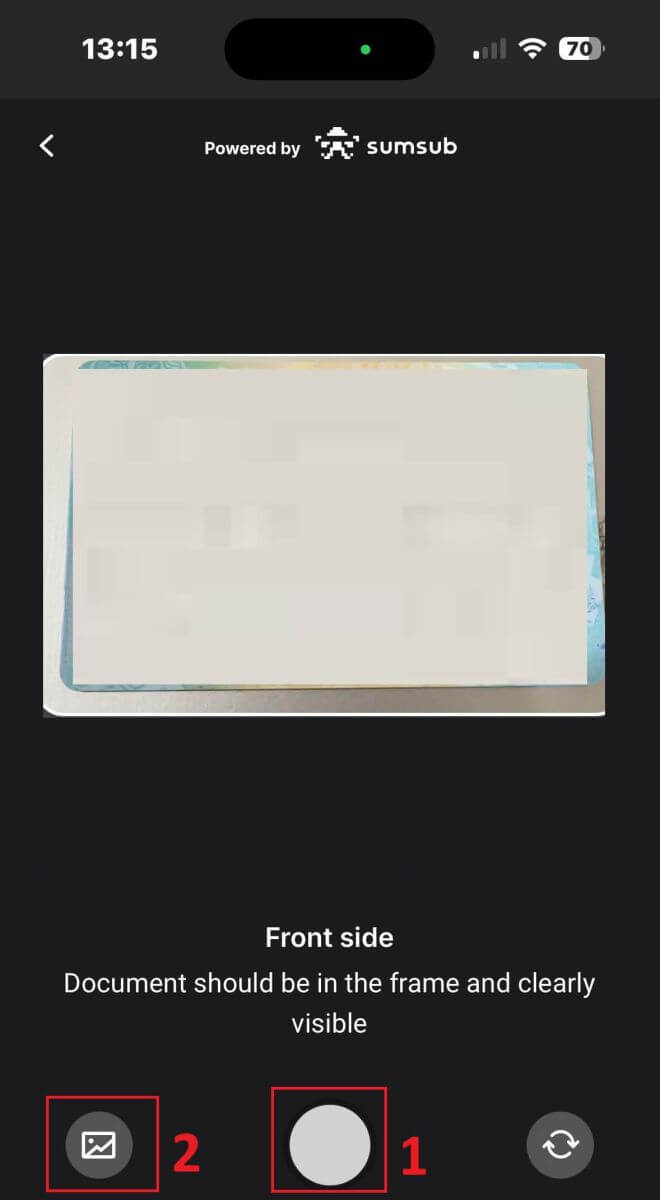
You will have two options for uploading your document images:
-
Align the document within the frame on the screen and then tap the white circular button at the bottom (labeled as number 1 in the image) to capture and save the image.
-
Choose the button with the icon shown in the image (labeled as number 2) to upload a photo from your device’s existing photo library.
Next, ensure that the image is clear and readable. Repeat the process for any remaining sides of the document, depending on the type of verification document you selected.
If the images meet the standards, tap "Continue" to proceed to the next step.
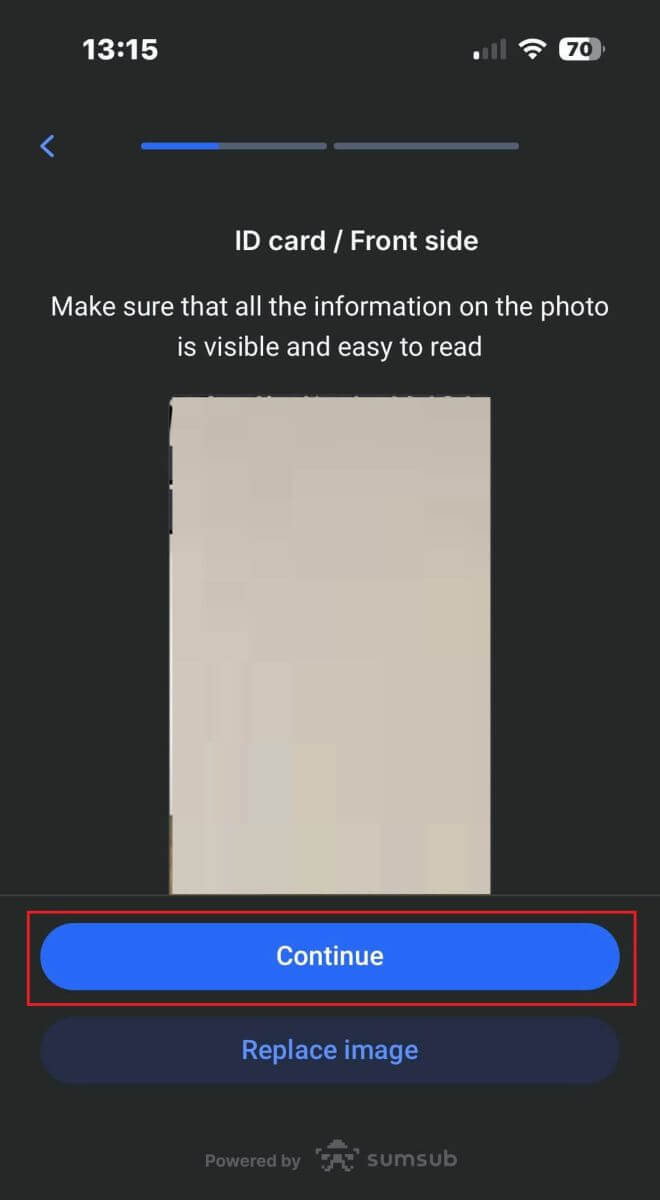
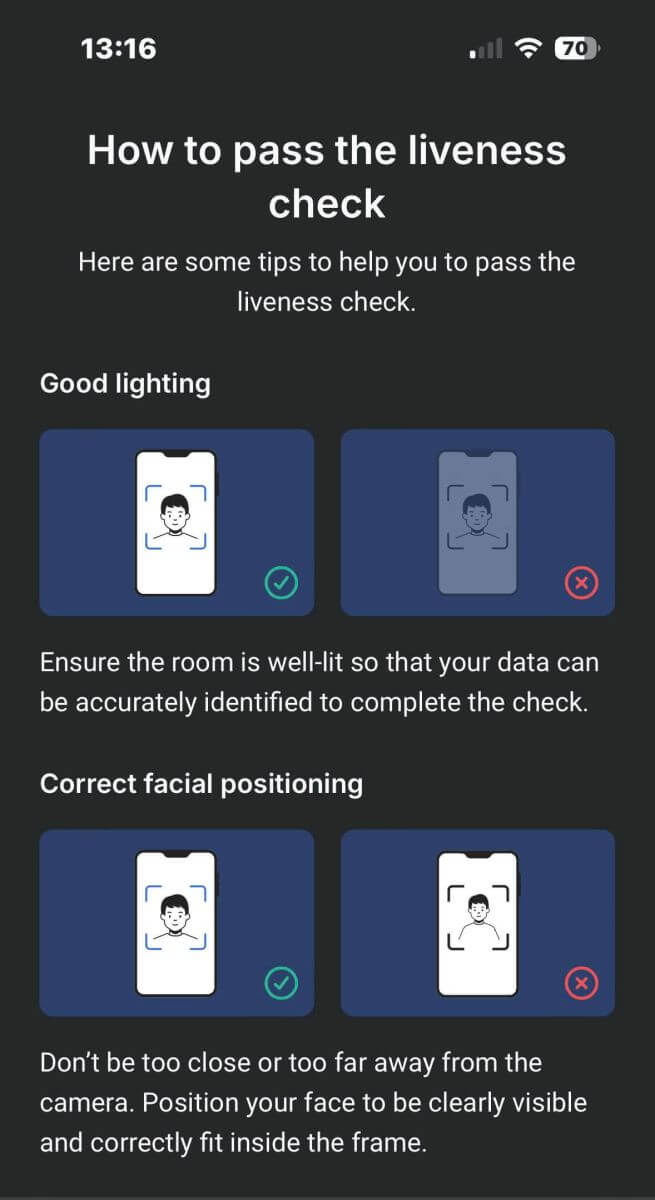
The next step will be the Liveness Check. Below are some tips to help you complete this step smoothly:
Good Lighting
Ensure the room is well-lit so that your data can be accurately identified to complete the check.
Correct facial positioning
Please don’t be too close or too far away from the camera. Position your face to be clearly visible and correctly fit inside the frame.
Natural Look
Don’t change your appearance. Don’t wear masks, glasses, and hats when passing the liveness check.
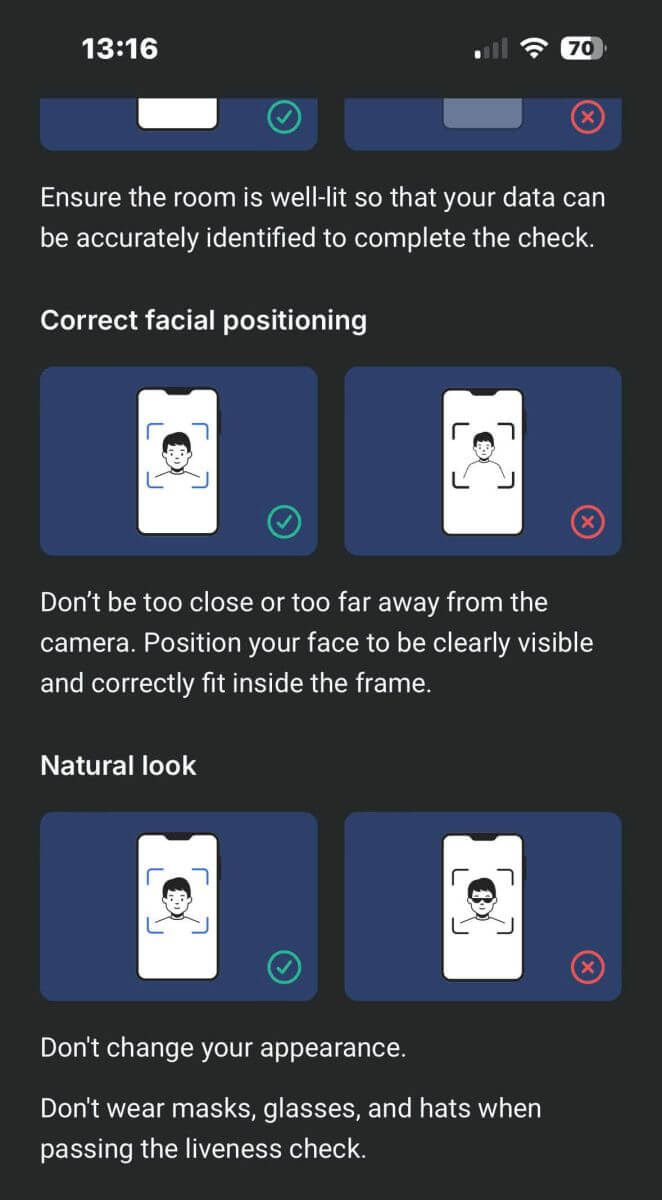
Position your face within the frame and remain still for 2 to 5 seconds for the system to identify you. If successful, you will be automatically redirected to the next screen.
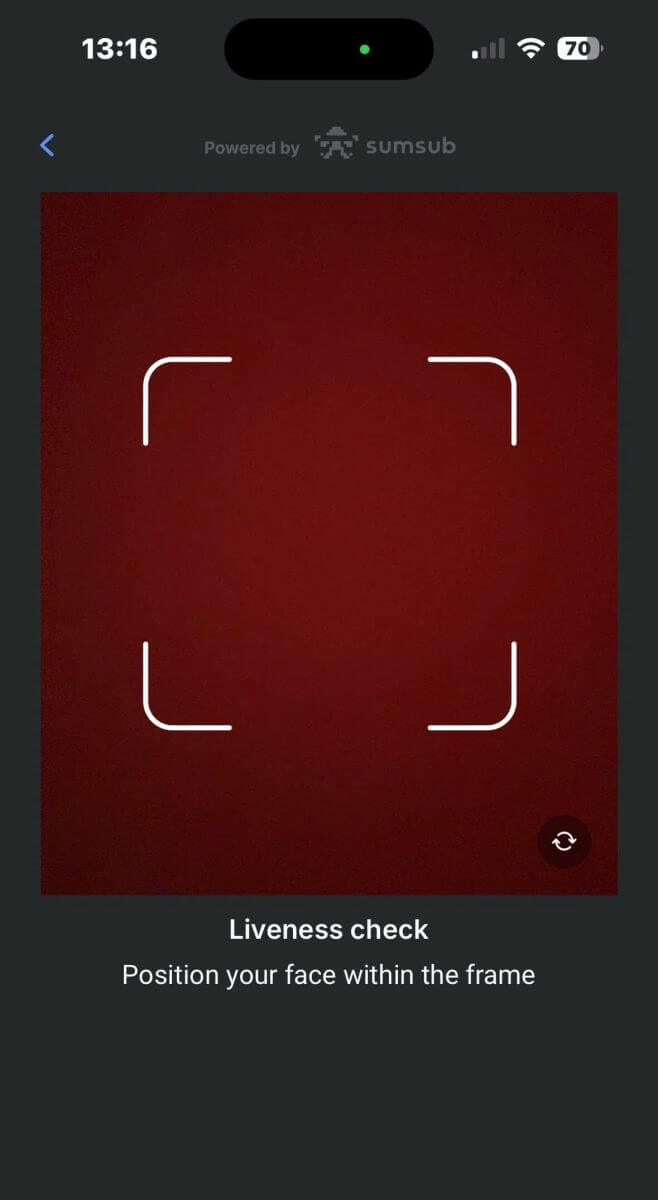
On this page, keep your face within the frame and slowly turn your head in a circular motion following the green indicator.
Congratulations on successfully completing the Liveness Check!
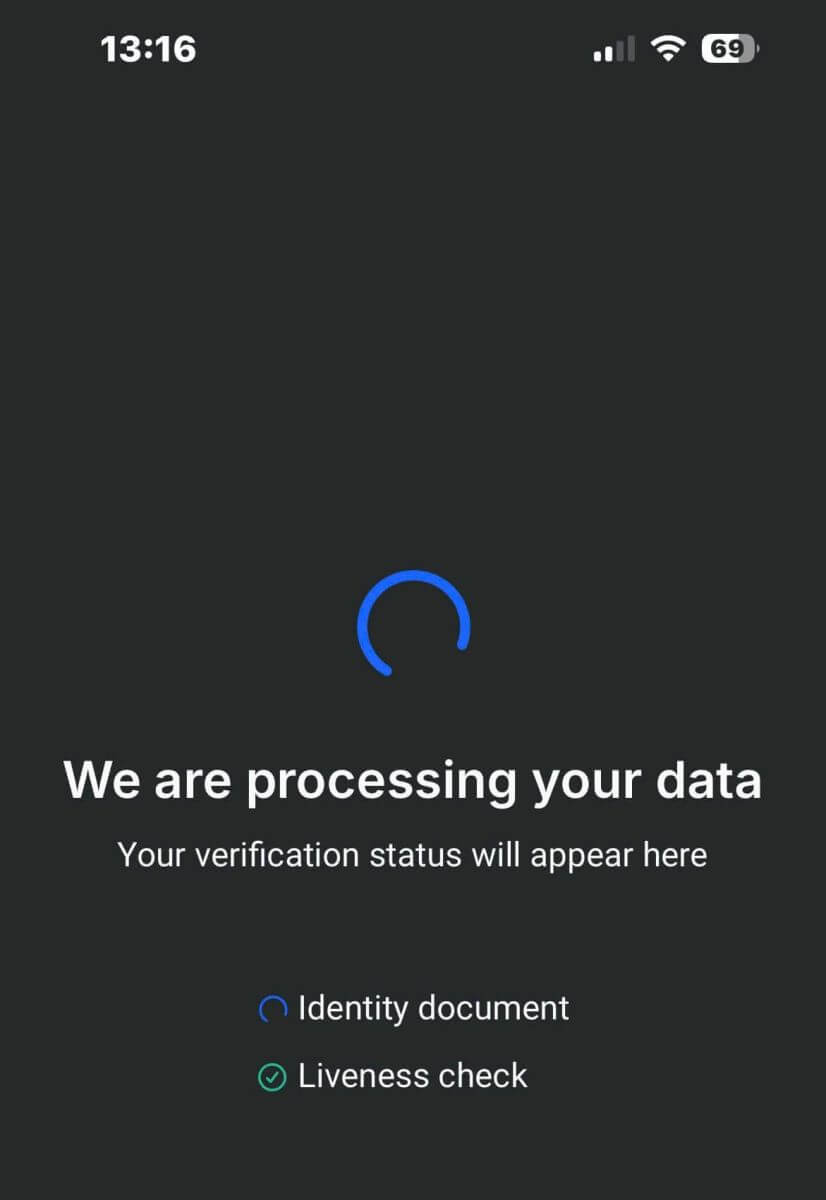
Please wait for 5 to 10 seconds while the system processes your data and displays the results on the screen.
Congratulations on successfully verifying your profile with FxPro! Such a straightforward and quick process.
Frequently Asked Questions (FAQ)
What documents do you require?
We require a copy of your valid International Passport, National ID card, or Driver’s Licence to verify your identity.
We may also request a Proof of residence document showing your name and address, issued within the last 6 months.
The document(s) required and their current verification status can be seen at any time via FxPro Direct.
Are my personal details secure with you?
FxPro takes serious precautionary measures to ensure that your personal details are held in absolute confidence. Your passwords are encrypted and your personal details are stored on secure servers and cannot be accessed by anyone, except a very small number of authorized members of staff.
What should I do if I fail the appropriateness test?
As a regulated broker, we are required to assess the suitability of our clients regarding their understanding of CFDs and knowledge of the risks involved.
If it is deemed that you do not currently have the experience required, you can proceed with a demo account creation. Once you feel that you are ready and experienced enough to open a live account, and are fully aware of the risks involved, please contact us so we can reassess your suitability.
If the information you provided to us on the registration form was inaccurate, please let us know so we can contact you to clarify any errors.
Conclusion: Efficient Account Verification with FxPro
Verifying your account on FxPro is designed to be a smooth and efficient process. The platform’s verification steps are straightforward, ensuring your account is secure and compliant with regulatory standards. With FxPro’s clear instructions and responsive support team, you can complete the verification process quickly and confidently. This streamlined approach not only enhances account security but also allows you to start trading without unnecessary delays.