FxPro Contact

Use live chat for quick account and platform questions, phone support for time-sensitive or complex problems, and email for records or escalations. Before you reach out, gather your account number, verification documents, transaction references and screenshots to shorten resolution time. Expect different response times depending on channel and trading sessions; critical issues during volatile markets may take priority. For security, never send passwords or full payment details; legitimate agents will request only needed proof and will confirm your identity. If you don’t receive a satisfactory reply, note the ticket ID and ask for escalation to a supervisor or the complaints team. The following sections list contact numbers, chat access, email addresses, and tips to speed up support for deposits, withdrawals, verification and trading queries.

FxPro Support Online Chat
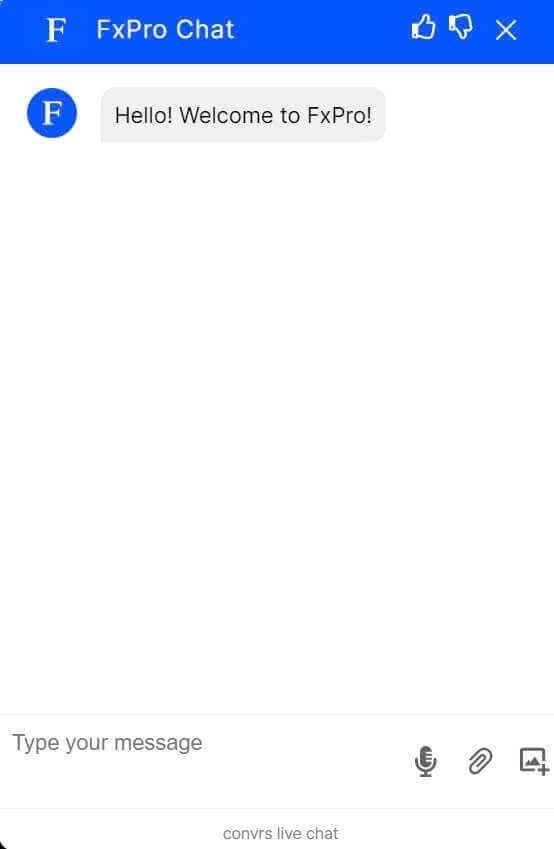
One of the most convenient ways to contact FxPro is through their 24/7 online chat support. This method allows you to resolve issues quickly, with responses typically coming within about 2 minutes. However, please note that you cannot attach files or send private information via this chat.
To enter the live conversation, you just need to click the button (described in the image below) to open the pop-up window.

Congratulations on successfully entering the FxPro Live Chat!
FxPro Support by Email
Another way to get in touch with support is via email. If you don’t need an immediate response, you can email [email protected]. It’s best to use the email address you used for registration with FxPro, as this will help them locate your trading account more easily.
FxPro Support by Phone
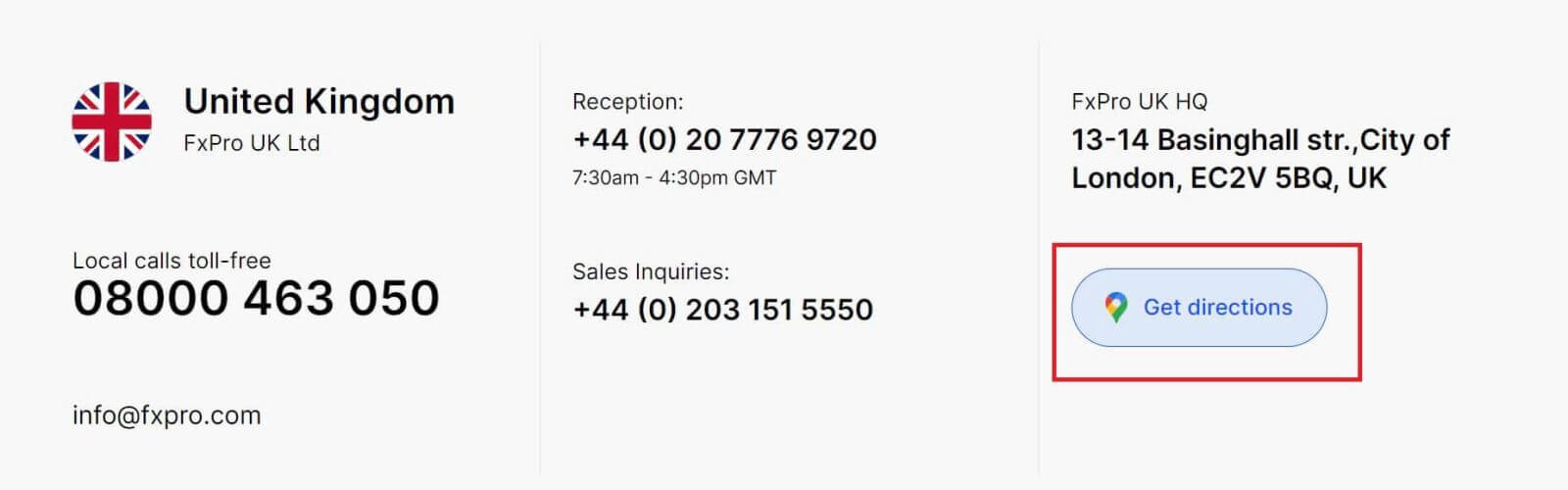
You can also reach out to FxPro by phone. They offer support in various languages and countries. Simply choose the relevant country and call the provided number. Be aware that any outgoing calls will be billed according to the rates of the city mentioned in brackets, which may vary depending on your phone service provider.
Additionally, you can click the "Get directions" button to get detailed instructions for the chosen FxPro Headquarter.
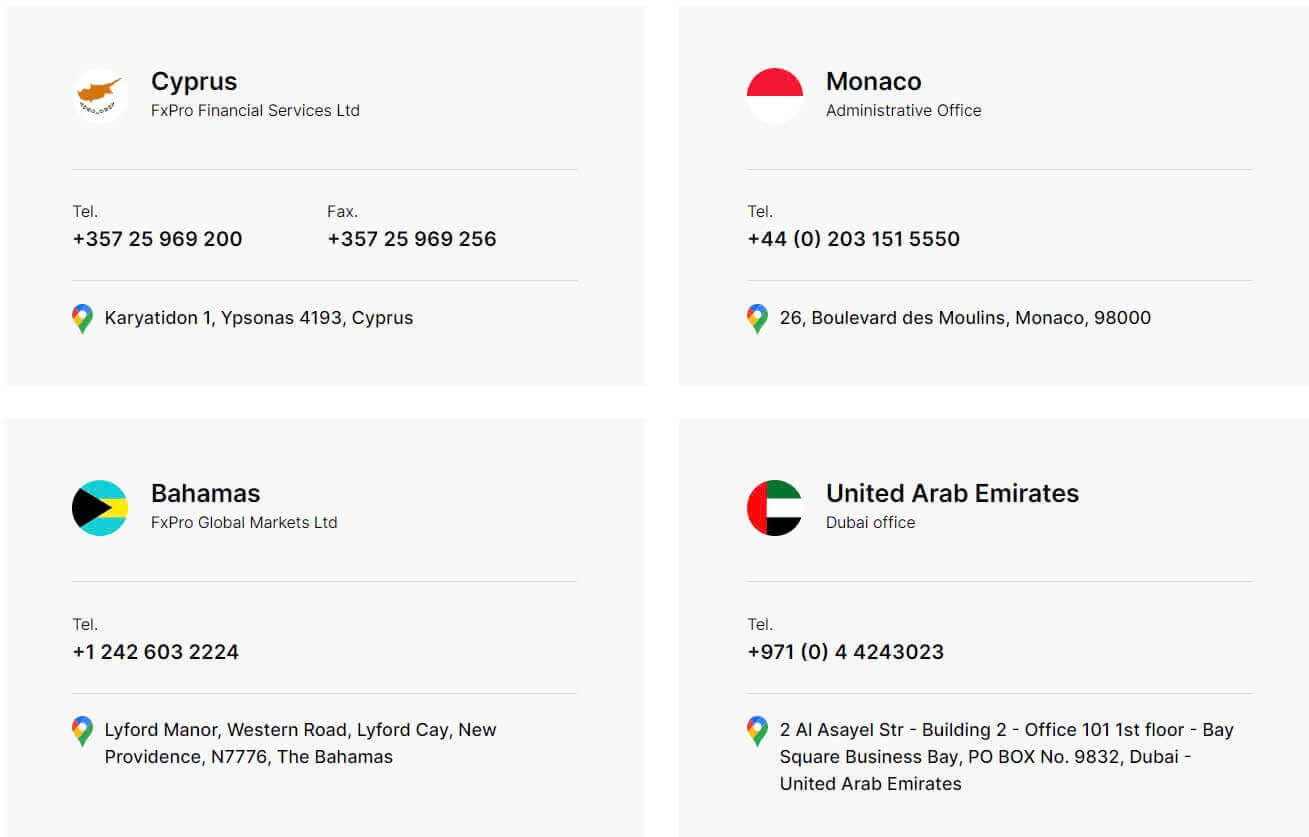
Below are some details about FxPro’s headquarters and contact information in various countries.
FxPro Help Center
They have a variety of user’s common queries here: https://www.fxpro.com/contact-us.
Which is the fastest way to contact FxPro?
The fastest response from FxPro you will get through the Phone Call and Online Chat.
How fast can I get a response from FxPro support?
You will receive an immediate response if you contact FxPro by phone. If you write via online chat, you will be answered within several minutes, and it will take about 24 hours to get a response by email.
Which language FxPro can answer?
FxPro can answer your questions in any language you need. The system will respond in the same language you use to type your inquiry. In addition, they have a call center system with a range of languages to provide the best support for customers.
Contact FxPro by social networks.
Another way to contact FxPro support is through Social Media.
-
Facebook: http://www.facebook.com/FxProGlobal
-
Linkedin: https://www.linkedin.com/company/fxpro
-
Twitter (X): https://twitter.com/FxProGlobal
-
Telegram: https://telegram.me/fxpro
-
Instagram: https://www.instagram.com/fxpro/

Conclusion: Accessible and Responsive Support with FxPro
Contacting FxPro support is designed to be straightforward and efficient, offering multiple channels for assistance. Whether you prefer email, phone, or live chat, FxPro provides accessible and responsive support to address your queries and concerns. The support team is dedicated to helping you resolve issues quickly, ensuring that your trading experience remains smooth and uninterrupted. With these convenient support options, you can focus on your trading activities with confidence, knowing that assistance is readily available when needed.